Nexa Tech and Home
Portable Thermal Printer Bluetooth Pocket Photo Label Printer Inkless Printpod Sticker Printing Android iOS Printers for Home
Portable Thermal Printer Bluetooth Pocket Photo Label Printer Inkless Printpod Sticker Printing Android iOS Printers for Home
Couldn't load pickup availability
SPECIFICATIONS
After-sale Service: Shop's Three Guarantees
Application: For Home Use
Battery Included: Yes
Brand Name: NONE
Certification: CE,RoHS
Color Print Speed: 5S
Consumable Type: Thermal Paper
Dot Matrix Printer Type: GM rolls dot matrix printer
Double-sided Printing: No
High-concerned chemical: None
Interface Type: Bluetooth
Max Paper Size: /
Max. Resolution: 203dpi
Origin: Mainland China
Paper Feed Mode: Roll Feed
Print Speed: 20ppm
Signal Connection Type: Bluetooth
Supports Network Printing: Wireless
Type: Pocket Printer
Use: Thermal Printer
Voltage: 100-240V
Specifications:
*Brand:XENGRO
*Model:AH-M2
*Material: ABS
*Color: White, Green, Blue,Pink
*Printing Technology: Thermal
*System: Android/iOS
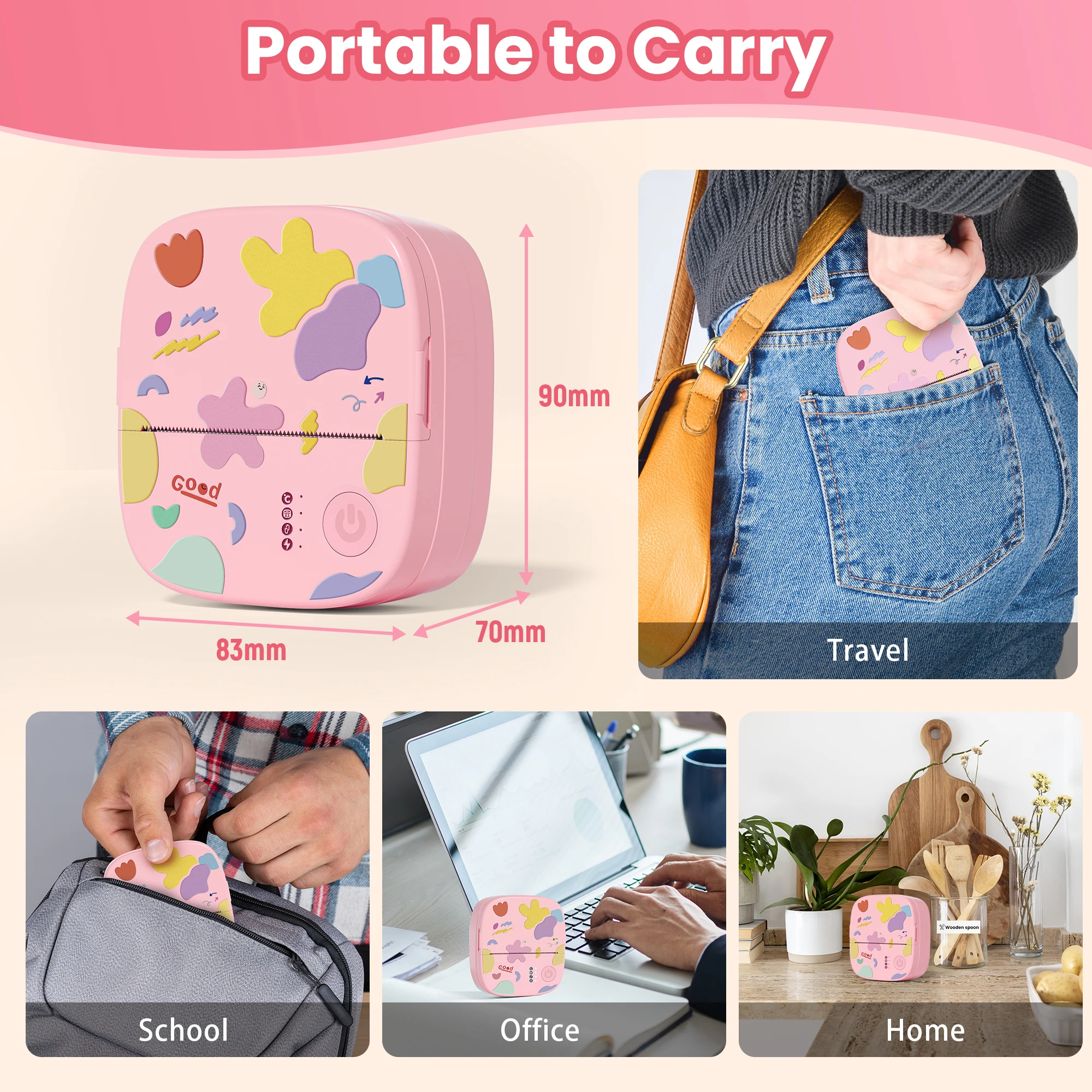
*Product size: 90*70*83mm
*Product net weight: 0.29Kg
Features:
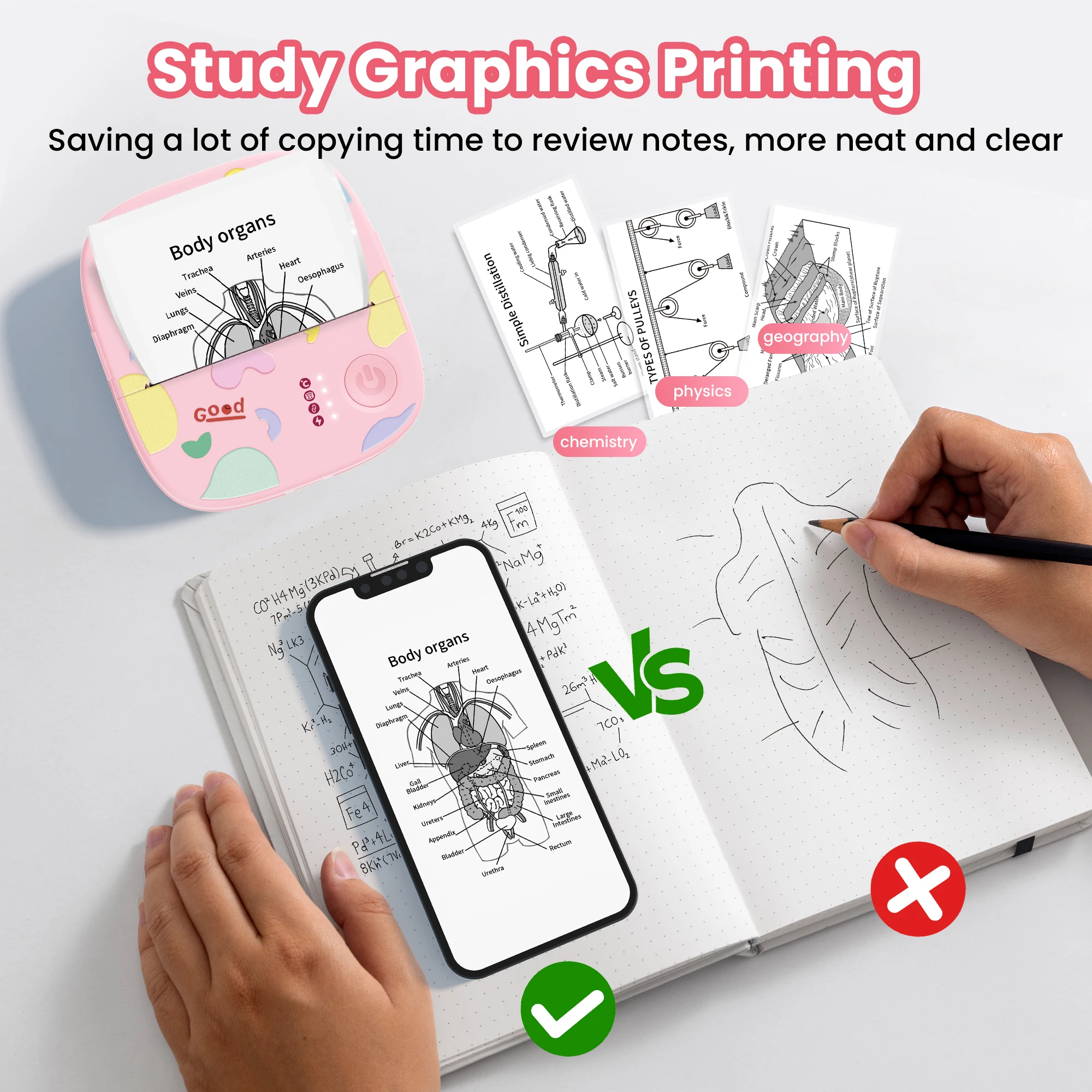
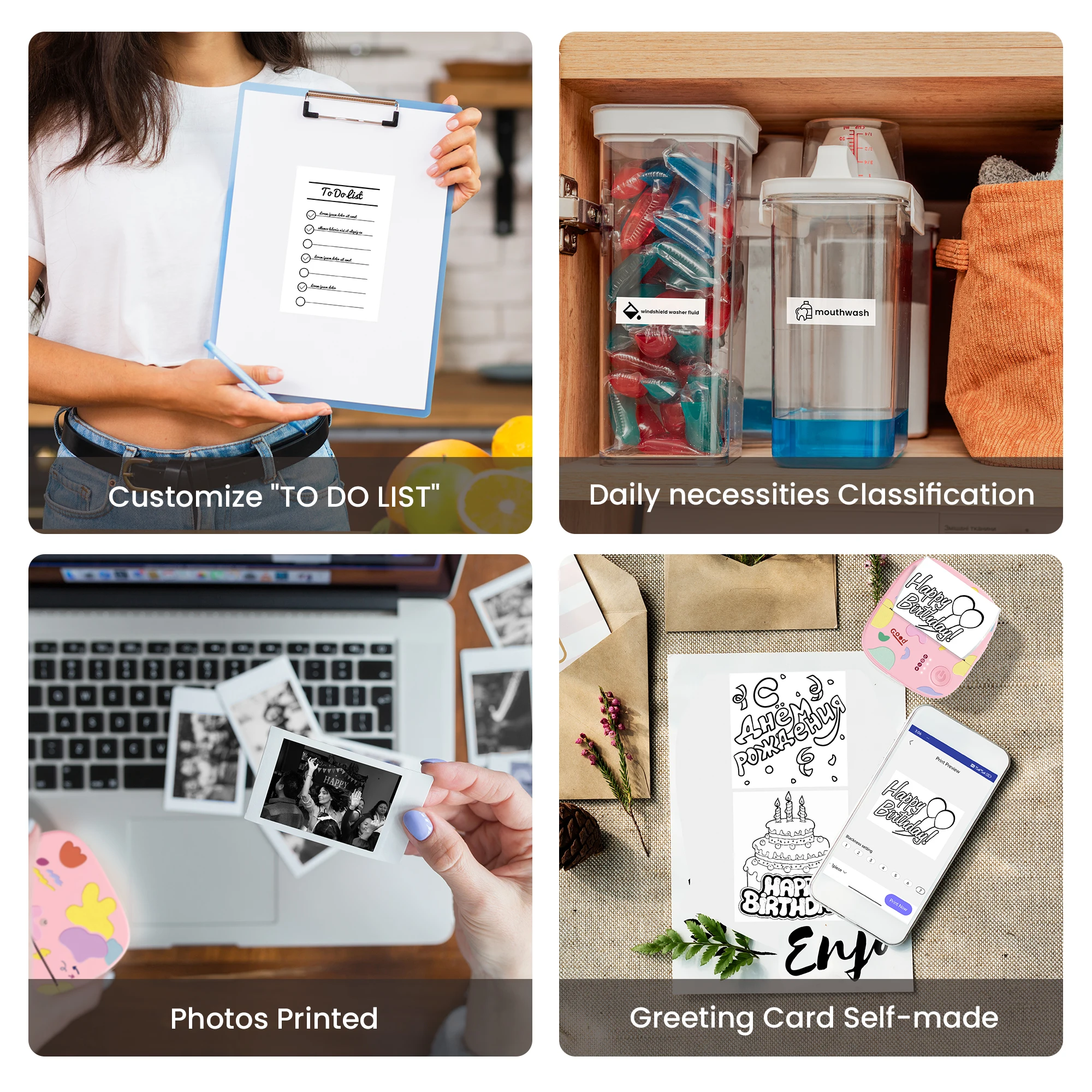
【All-in-One Mini Sticker Printer for Life & Work】Meet your all-purpose printing companion — Mini portable printer. Whether you're organizing your to-do list, printing study notes, decorating journals, crafting DIY cards, or capturing memories photos, this pocket-sized powerhouse has you covered. Comes with a built-in sawtooth for smooth, clean tearing — just tear straight for the best result
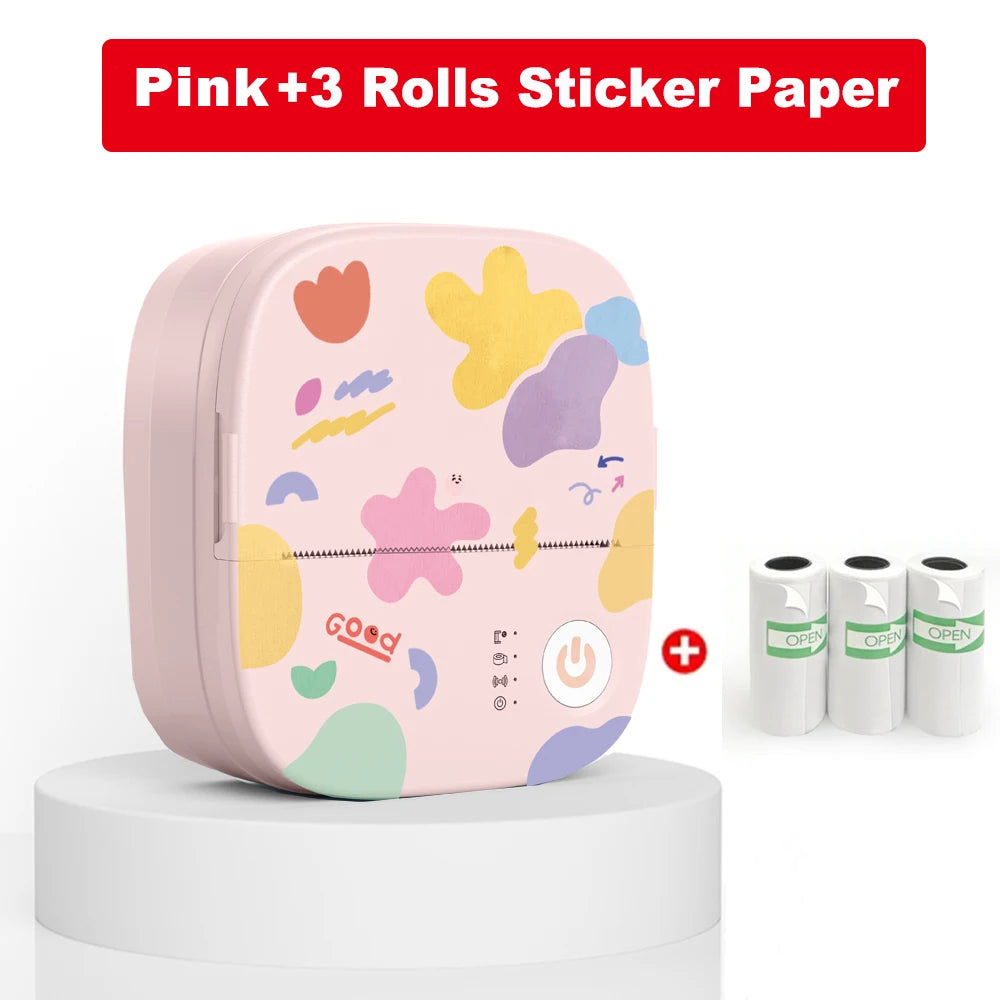
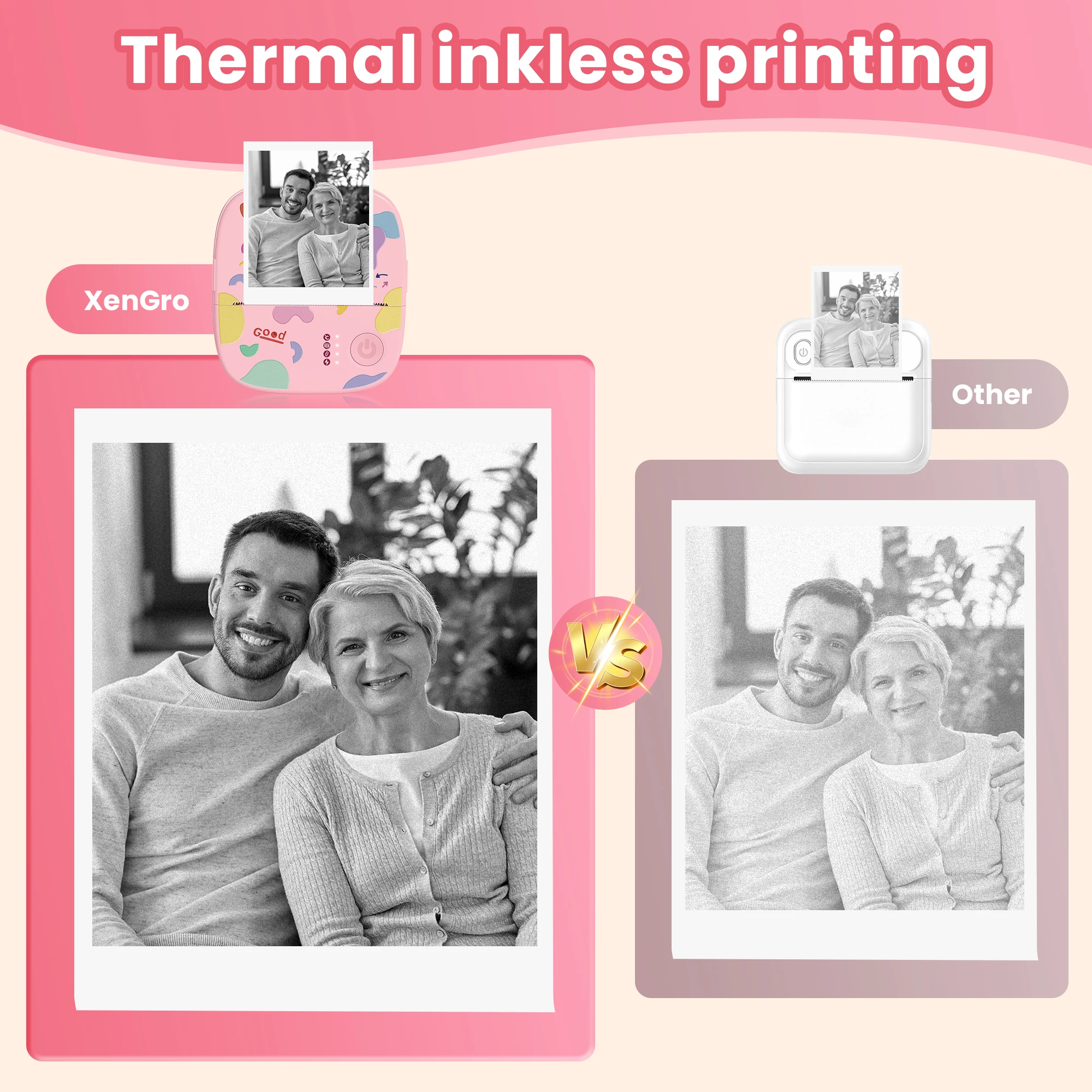
【No Ink, No Mess – Just Clear Prints】Powered by advanced thermal printing technology, this mini printer delivers crisp, high-resolution (203 DPI) black-and-white prints — no ink, no hassle, and no preheating needed. Prints smoothly on both self-adhesive sticker paper and regular thermal paper, including colorful rolls! Comes preloaded with 1 roll of white sticker paper, plus 3 bonus rolls for extra fun
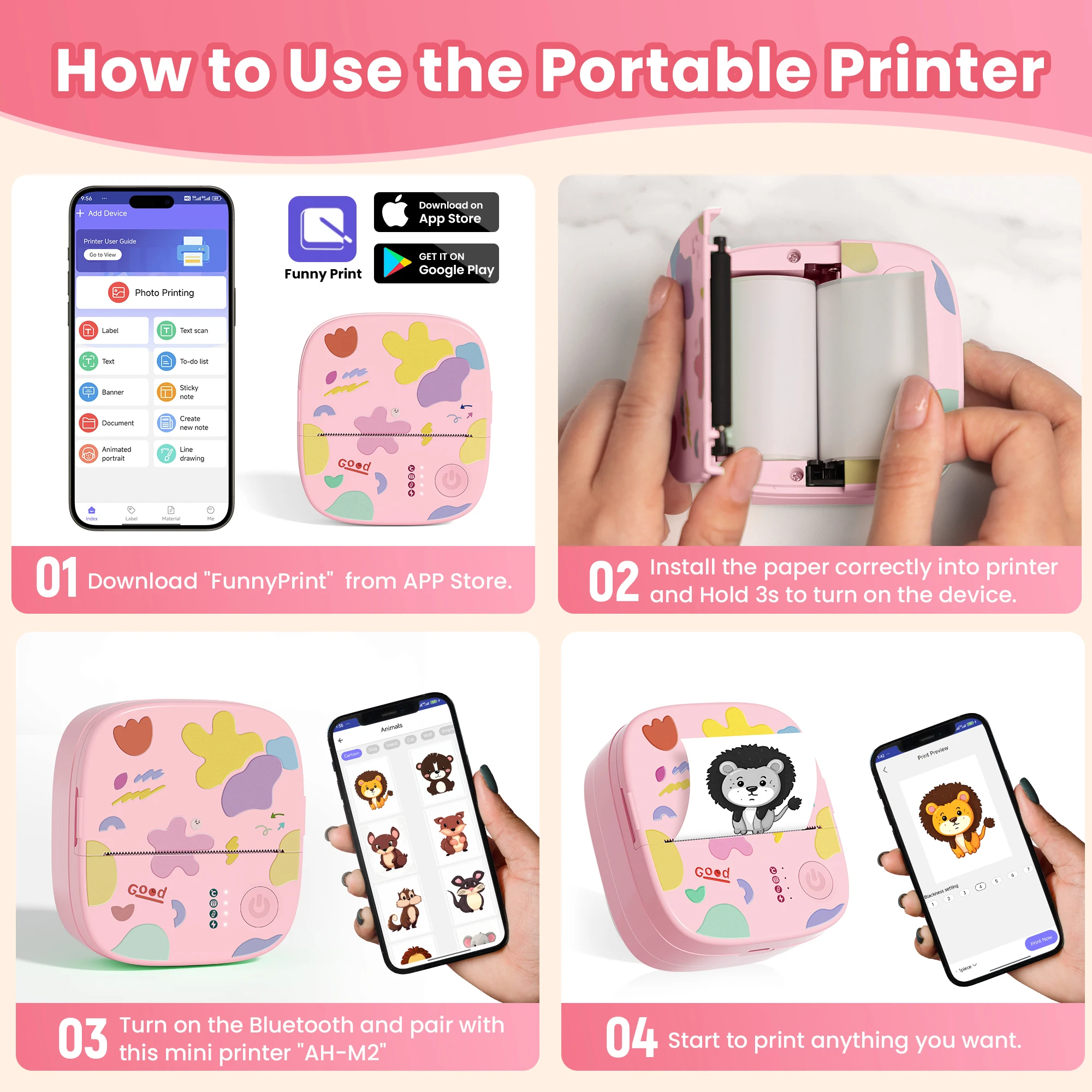
【Easy Bluetooth Setup & Smart App Control】Print anytime, anywhere — just connect your smartphone via Bluetooth. Compatible with both iOS & Android: 1.Download the “FunnyPrint” app. 2.Long press the power button until the light flashes. 3.Connect to “AH-M2” via Bluetooth and start printing! The app includes handy features like drag & zoom, OCR, templates, text tools, and fun stickers to unleash your creativity
【Ultra-Portable for Any Occasion】Compact and lightweight (only 0.26 lbs, 3.3 x 3.1 x 1.4 in), this mini printer easily fits into your pocket or bag. Take it anywhere — school, office, travel, gym — and print on the go!
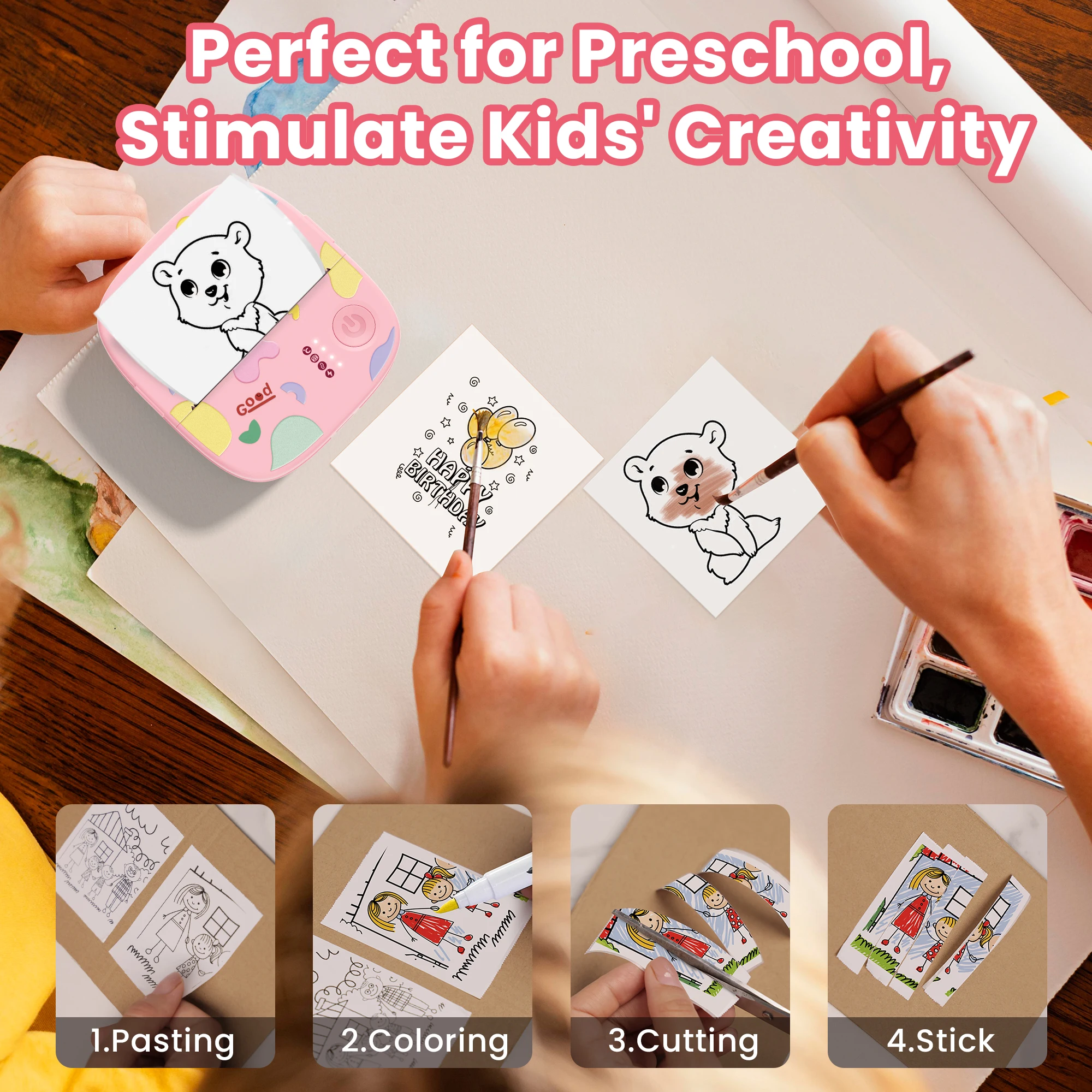
【Fun for All Ages – A Creative Gift Idea】With its adorable, toy-like design, this create a sticker machine is fun, approachable, and perfect for all ages. It’s a useful & creative sticker machine — ideal for students, planners, scrapbookers, or anyone who loves to print photos and make memories. A great gift for birthdays, Halloween, Christmas, or any special moment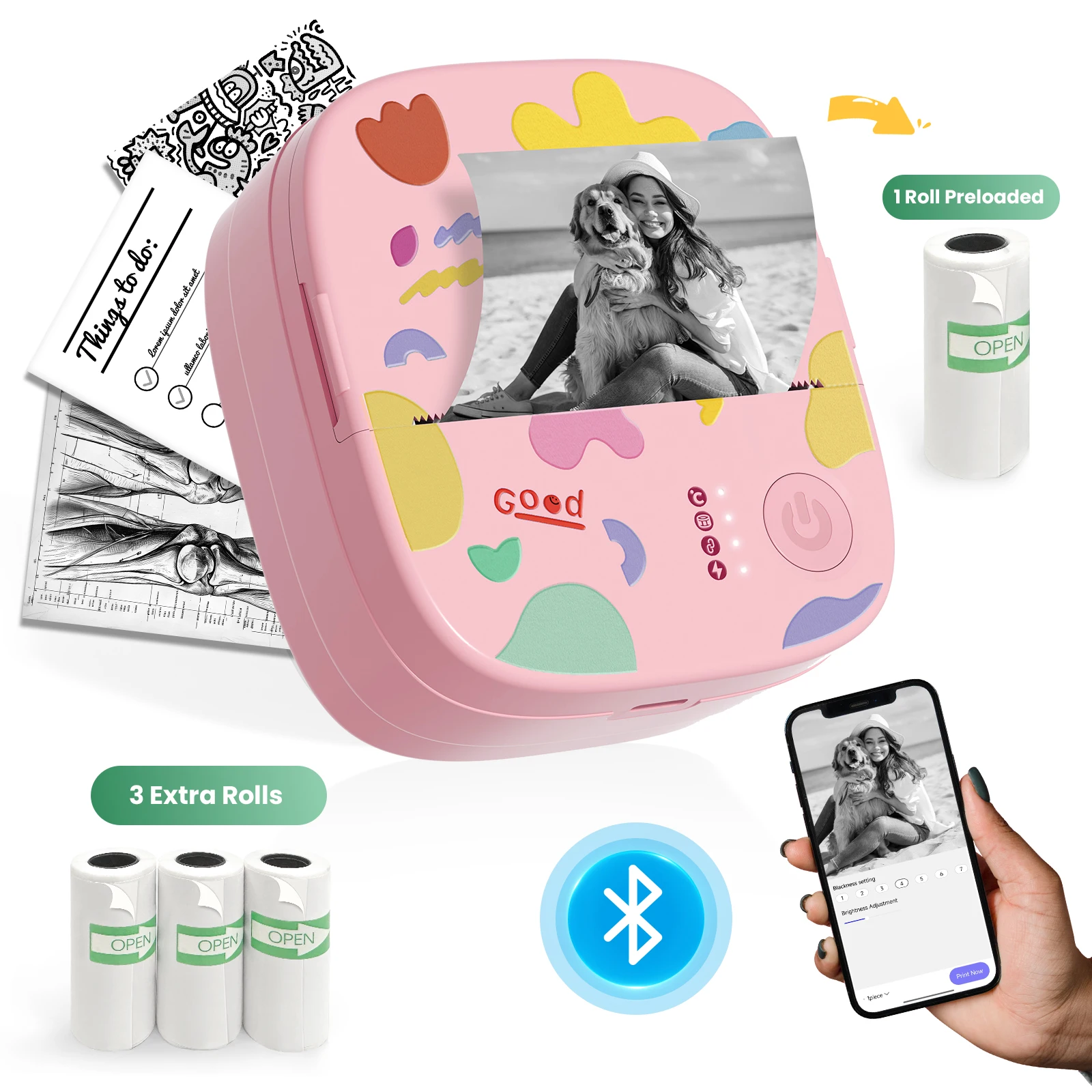
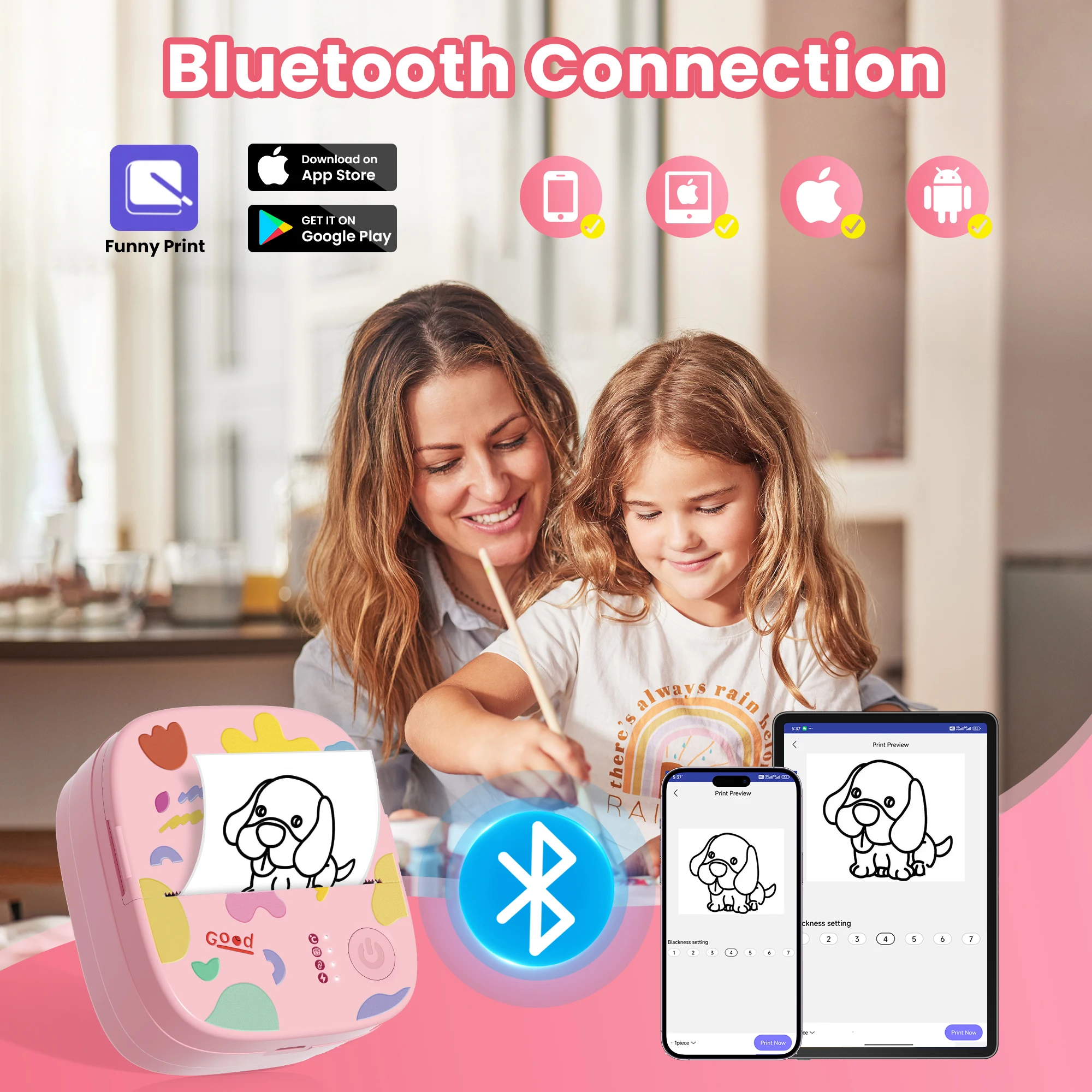
 About automatically reconnecting to the last used device
Here’s a quick tip for Bluetooth reconnection that might make your next use smoother:
Once your phone and printer have been paired successfully, they usually reconnect automatically when you open the app.
Power on the printer first → open the app → it connects the device paired last time automatically.
Open the app first → power on the printer → you may need to connect manually, or a pairing prompt will appear.
The app scans for devices for the first 10 seconds after being opened. If no device is found, you can connect manually.